Chapter 6
Tracking results
Mail you can measure. Every card carries two ways for customers to respond, and every response lands on your dashboard, day by day, card by card.
The response block
Look at the corner of any card in this guide and you'll see it:
- Your phone number, printed big enough to actually dial.
- A QR code unique to each mailing. When someone scans it, they land on your website or booking page, and the scan is counted as a response for that exact mailing. That's how you know which card, which month, and which neighborhood pulled.
Good to know
The QR destination is yours to set: your site by default, or a booking link in Settings.
No pixels, no tracking of your customers around the web. A scan counts a response; that's it.
The Results page
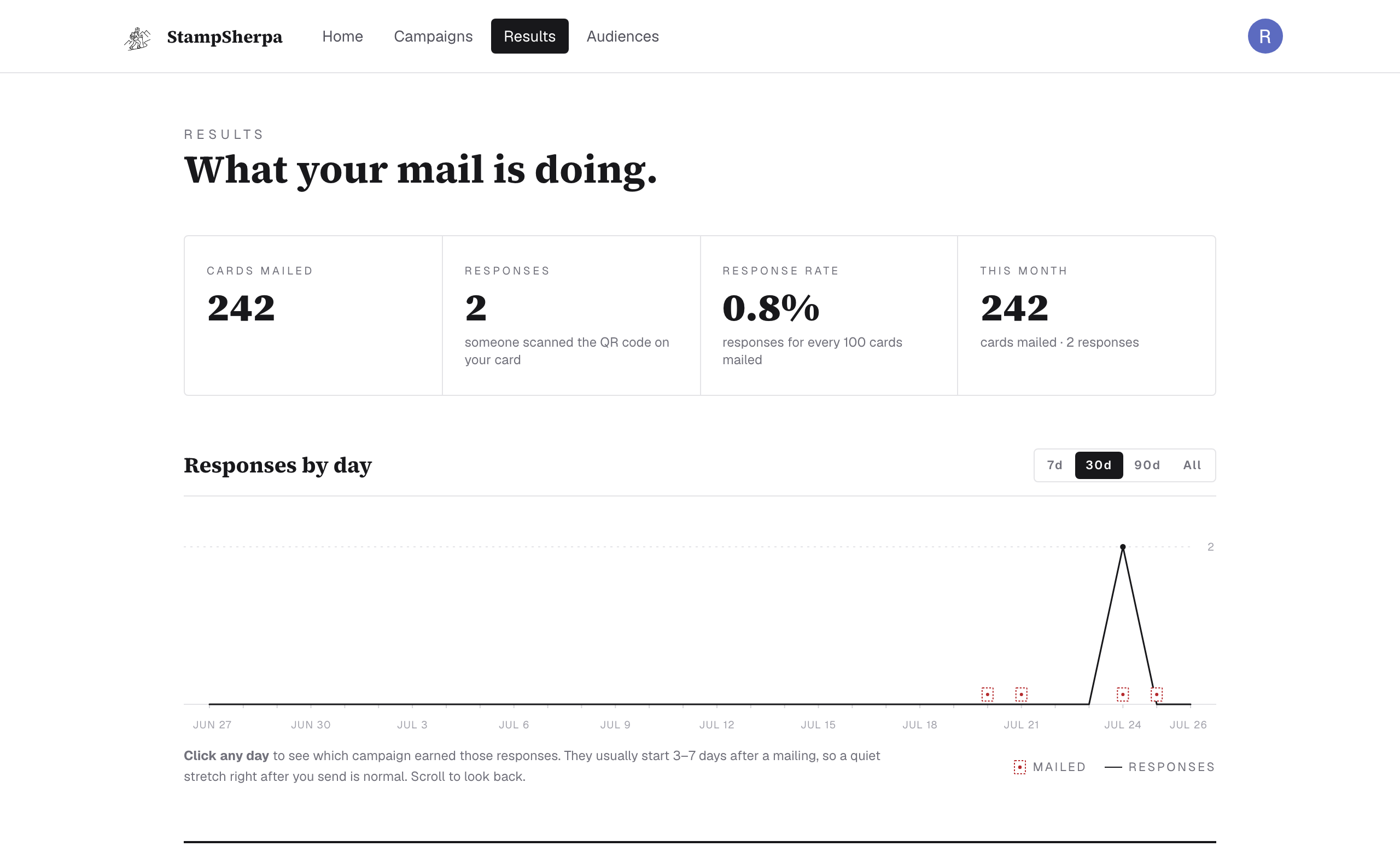
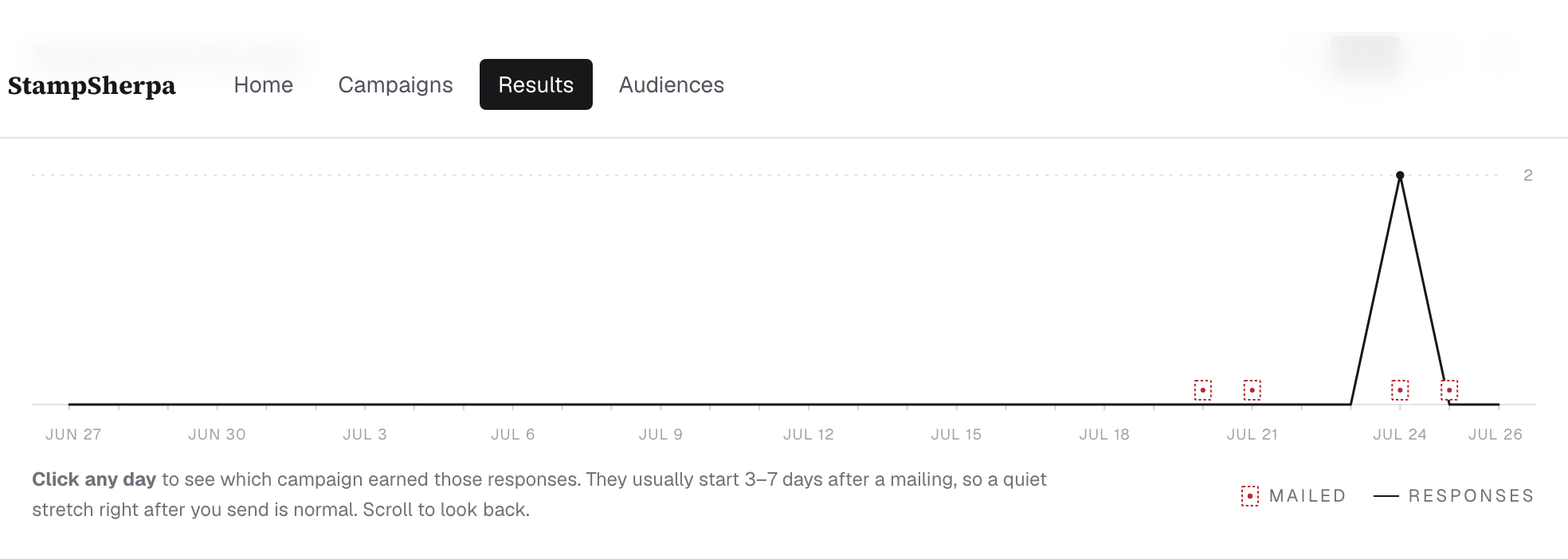
The strip on top is the whole story: cards mailed, responses, response rate, and this month's activity. Below it, Responses by day: each mailing appears as a little stamp on the timeline, and the line shows responses as they come in. Click any day to see which campaign earned those responses.
How to read your numbers honestly
- Give it a week. Mail has a built-in delay: printing, delivery, then the scan. Judge a card at day 10, not day 2.
- Rates need volume. We only show a response rate once a campaign has at least 25 cards out; below that, small numbers turn into silly percentages, so we show plain counts instead.
- Scans undercount reality. Some people call. Some walk in with the card in hand. Treat QR responses as your floor, not your ceiling, and ask new customers how they heard about you.
- Compare cards, not months. The point of per-mailing tracking is learning which message pulls. When one card outperforms, send it again; repetition compounds.