Chapter 3
Sending a campaign
A campaign is one postcard plus the people who get it. Here's the full path: polish the design, choose who receives it, send, and know exactly what happens after you press the button.
The campaign editor
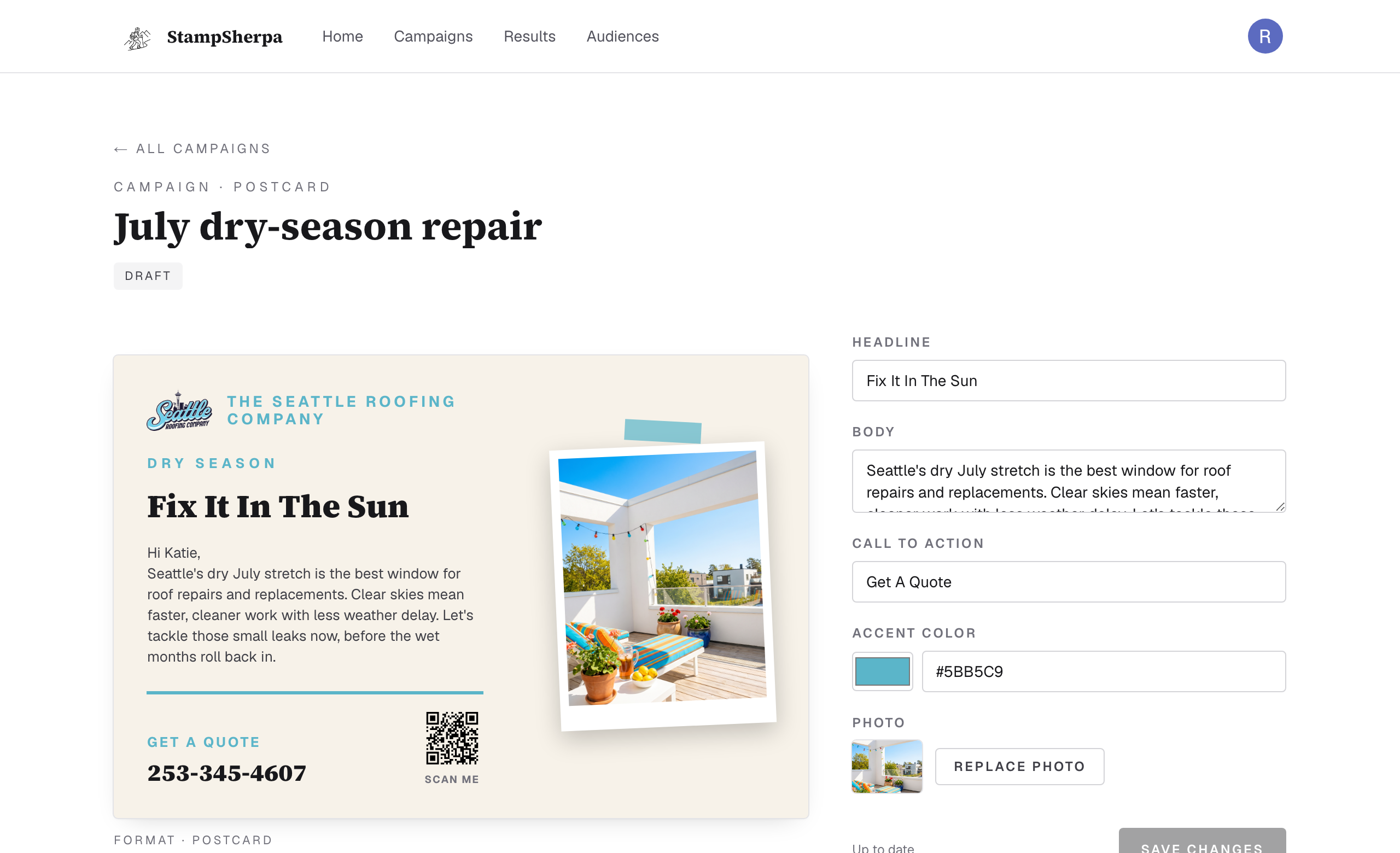
Everything on the right edits the card on the left, and the card on the left is the actual artwork we print. The phone number and QR code in the corner are your response block; chapter 6 shows what they do.
Or just tell it what you want
Tip
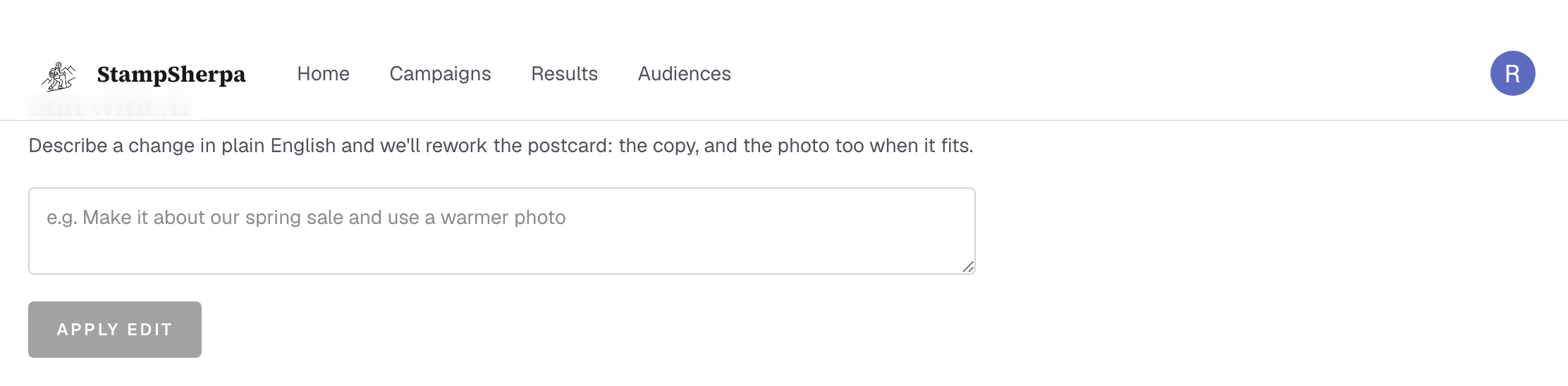
Edit with AI is the fastest way to try an angle. It rewrites like a copywriter who already
knows your business, and you can always keep editing by hand afterward.
Choose who gets it
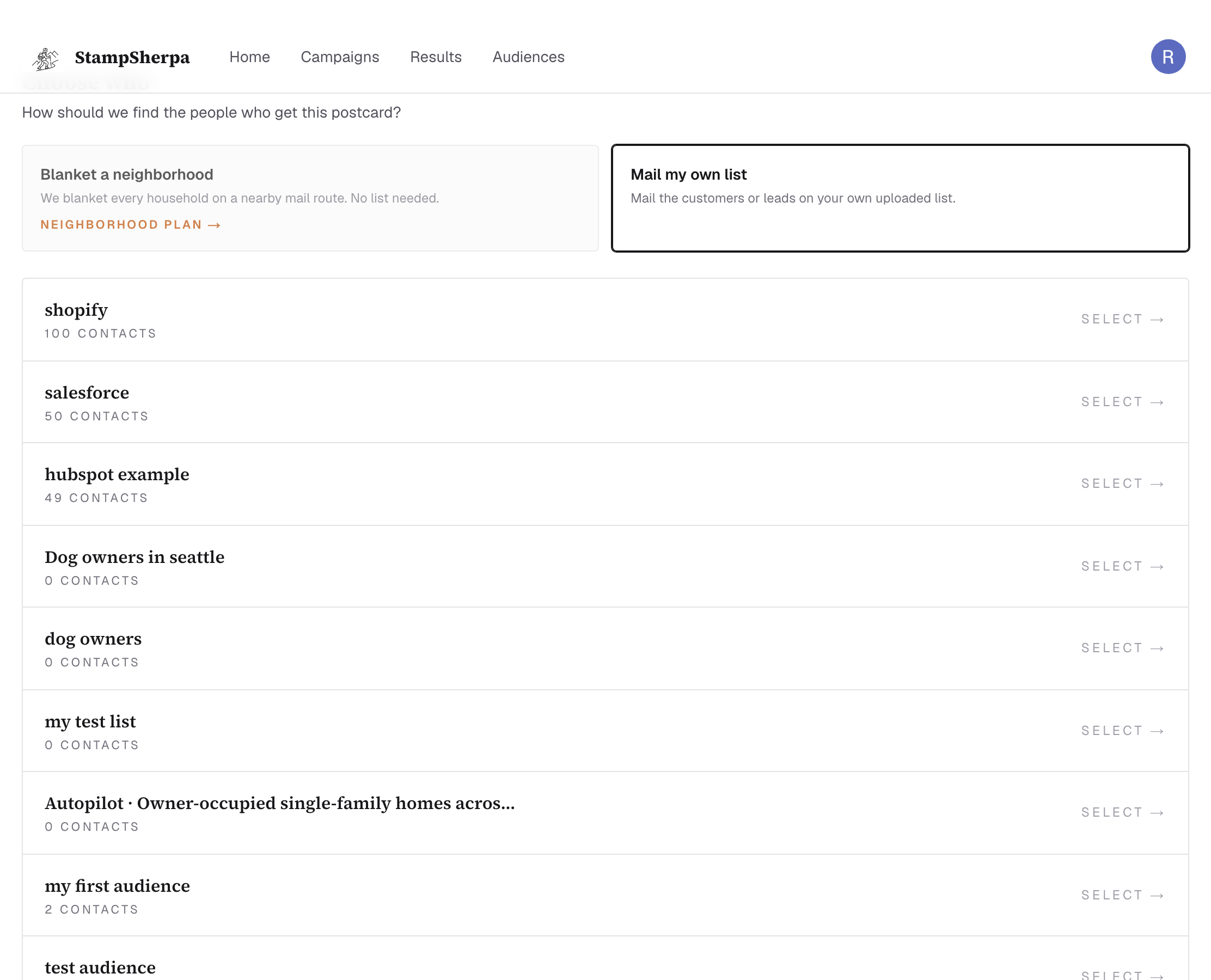
- Blanket a neighborhood: every household in the part of town you circle on a map. No list needed. Chapter 4.
- Mail my own list: the customers and leads you upload. Chapter 5.
Press send. Here's exactly what happens
1
Queued. We render your card at print resolution and hand it to production. Your campaign shows the first stage of its progress ladder.
2
Printing. Cards are printed and addressed (or prepared for every household on your routes, for Neighborhood sends).
3
In the mail. USPS has your cards. Addressed cards typically land within about a week; Neighborhood mailings take longer end-to-end (chapter 4 has honest timelines).
4
Delivered. For addressed cards, USPS scans update delivery as pieces arrive. Neighborhood cards finish at “In the mail”; the postal service delivers to every home on the route but doesn't track unaddressed pieces individually. If an address is bad, you'll see Returned; if something couldn't be submitted at all, Didn't send, with the reason.

Good to know
“Send again” is first-class: repeat a winning card to the same audience next month in two
clicks. Repetition is how mail compounds; most businesses see response climb on the second
and third touch.